
Features
Everything in Catbird
What you get in Catbird for iPhone and iPad, grouped the way the app is. You need iOS 18 or later.
Feeds
Your timeline and every feed you follow live in one drawer.
- Your home timeline, custom feeds, list feeds and hashtag feeds.
- Pinned and saved feeds, shown as a grid or a list, which you can edit, reorder and remove.
- Add Feed and Discover more feeds, right in the drawer.
- Local filters: hide reposts, replies, quote posts, duplicates or posts with links, or show only text or only media posts.
- Filter posts by language.
- Muted words and tags.
- Bookmarks for posts you want to come back to.
Composer
Write a single post or a whole thread, with everything attached in one place.
- Posts of up to 300 characters, with a ring that shows how much room is left.
- Threads: add another post without leaving the composer.
- Up to 10 photos per post, with a crop editor.
- Video, with a caption (subtitle) editor.
- GIF search.
- Alt text for every photo and video, and an optional setting that requires it before you post.
- In the alt text editor, Select Text from Image picks up text in a photo on every supported iOS version, and Generate Alt Text drafts a description on iOS 26 with Apple Intelligence.
- Post language, who can reply, whether others can quote you, and content labels.
- Mention suggestions, hashtags and link previews.
- Drafts saved on your device, and posts that failed to send are kept and retried.
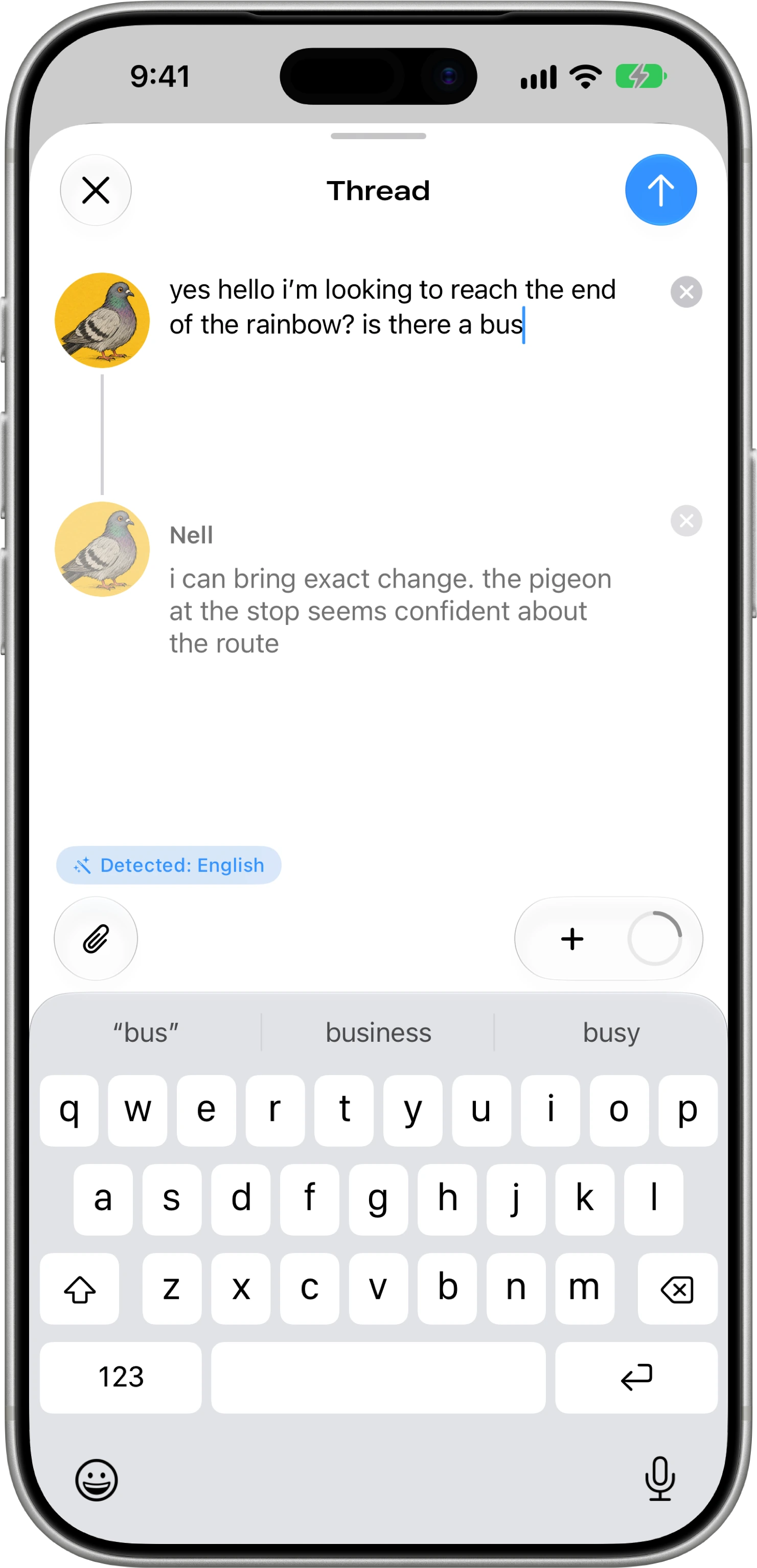
Threads and posts
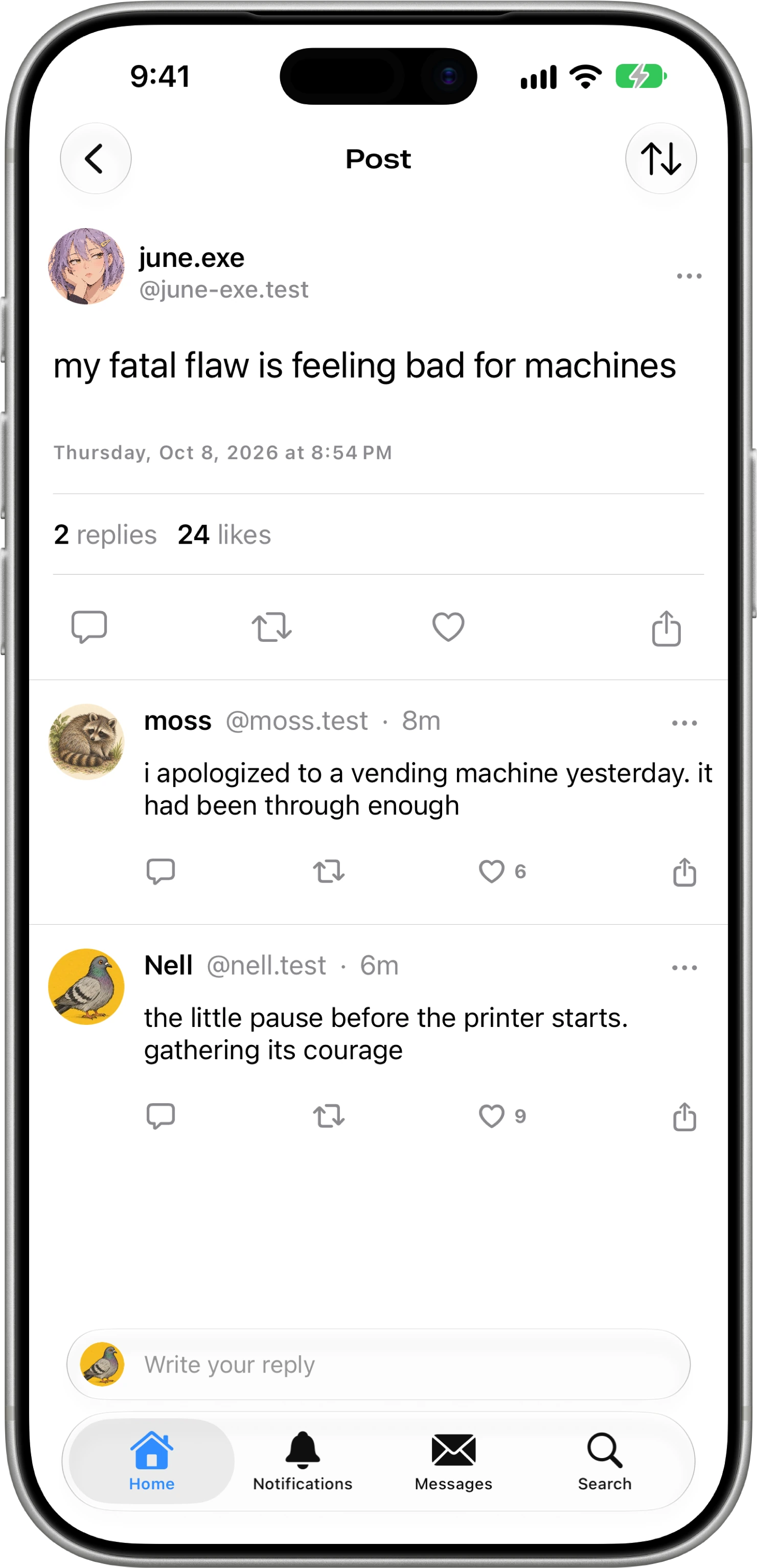
Read conversations the way you like, in any language.
- Tree layout, where replies indent under their parent, or a linear layout.
- Translate posts written in other languages, using Apple’s Translation framework.
- See who liked, reposted or quoted a post.
- Picture in picture for full-screen video.
- Embeds from other services, including YouTube, Vimeo, Spotify, Apple Music, SoundCloud, Flickr and Bandcamp, load only for the providers you allow.
Search and discovery
Find people, posts and feeds, and help friends find their way in.
- Search posts, profiles and feeds, with filters.
- Saved and recent searches, suggested profiles and Explore Interests.
- Trending topics.
- Starter packs: view, create and edit them, and share them with a QR code.
- Scan a profile’s QR code to open it.
Notifications
A Notifications tab with an unread badge, and push alerts you can tune by type.
- Push notifications for mentions, replies, likes, new followers, reposts and quotes.
- Separate switches for likes of your reposts, reposts of your reposts, and activity from others.
- Activity subscriptions for accounts you want to hear from.
Push notifications are delivered through Catbird’s own server.
Profiles and lists
Everything on a profile, plus lists you can build and share.
- Profile tabs for Posts, Replies, Media, Likes, Lists, Starter Packs and Feeds, and Labels for labeler accounts.
- Edit your profile, and see followers, following and the followers you know.
- Create and edit lists, manage members, and read a list as a feed.
- Moderation lists.
Moderation and safety
Tools to control what you see and who can reach you.
- Report posts, accounts, lists, feeds and messages.
- Block and mute accounts, and review your muted and blocked lists.
- Subscribe to labelers, adjust each one’s settings, or add one by its DID (its account ID).
- Verification badges, which you can show or hide.
- Adult content can only be turned on through Bluesky itself, and you can turn it off in Catbird.
Direct messages
Your Bluesky direct messages, in their own tab.
- One-to-one Bluesky conversations.
- Message requests.
- Reactions to messages.
Accounts and security
Sign in through your browser, and keep more than one account close at hand.
- Sign in or create an account on Bluesky or on another AT Protocol server, in your browser.
- Multiple accounts, with quick switching and drag to reorder.
- Lock the app with Face ID or Touch ID.
- Change your handle, verify your email, or deactivate your account.
- Export your account’s public repository (your posts, likes, follows and profile) as a CAR file.
Appearance
Make Catbird look the way you want.
- System, Light or Dark theme, with Dim or True Black for dark mode.
- Seven accent colors: Catbird, Twilight, Lavender, Sunrise, Aurora, Dusk and Midnight.
- Font style (System, Serif, Rounded or Monospaced), font size and line spacing.
- A maximum Dynamic Type size.
- An alternate Classic app icon.
- Liquid Glass on iOS 26.
Accessibility
Catbird has its own accessibility settings, alongside the ones iOS already provides.
- Require Alt Text Before Posting
- Display Larger Alt Text Badges
- Reduce Motion
- Auto-play Videos
- Prefer Cross-fade Transitions
- Increase Contrast
- Bold Text
- Show Reading Time Estimates
- Highlight Links
- Confirm Before Actions
- Disable Haptic Feedback
Siri and Shortcuts
Ask Siri or build a shortcut for common actions.
- Create a post or open your timeline.
- Search posts or profiles.
- Check unread notifications or unread messages.
- Send a message.
- Like a post, repost, or block a profile.
Ask Catbird
Requires iOS 26 and Apple Intelligence
An assistant built on Apple’s on-device language model.
- Ask about a post, a thread, a profile, a feed, a search or a trending topic.
- Answers draw on Bluesky posts and profiles and point to where they came from.
- It can suggest actions such as following, liking, reposting, bookmarking, muting, blocking, reporting, or drafting a reply or quote.
- Nothing it suggests happens until you confirm it.
- The language model runs on your device. Catbird doesn’t use any third-party AI service.
Requirements
- Devices
- iPhone and iPad with iOS 18 or later.
- Ask Catbird and Generate Alt Text
- iOS 26 or later on a device with Apple Intelligence turned on.
- Select Text from Image
- Works on every iOS version Catbird supports.
- Language
- The app’s interface is in English.
- Account
- A Bluesky account, or an account on another AT Protocol server. You can create one in the app.