
Explore the open social web with Catbird.
Find and save feeds that interest you, catch up with the people you care about, and join the conversation. Post, reply, and chat in a Bluesky app that feels right at home on iPhone and iPad.
Not on the App Store yet · iPhone and iPad · iOS 18 or later
Feeds, conversations, and writing in Catbird
Feeds
Explore feeds that interest you
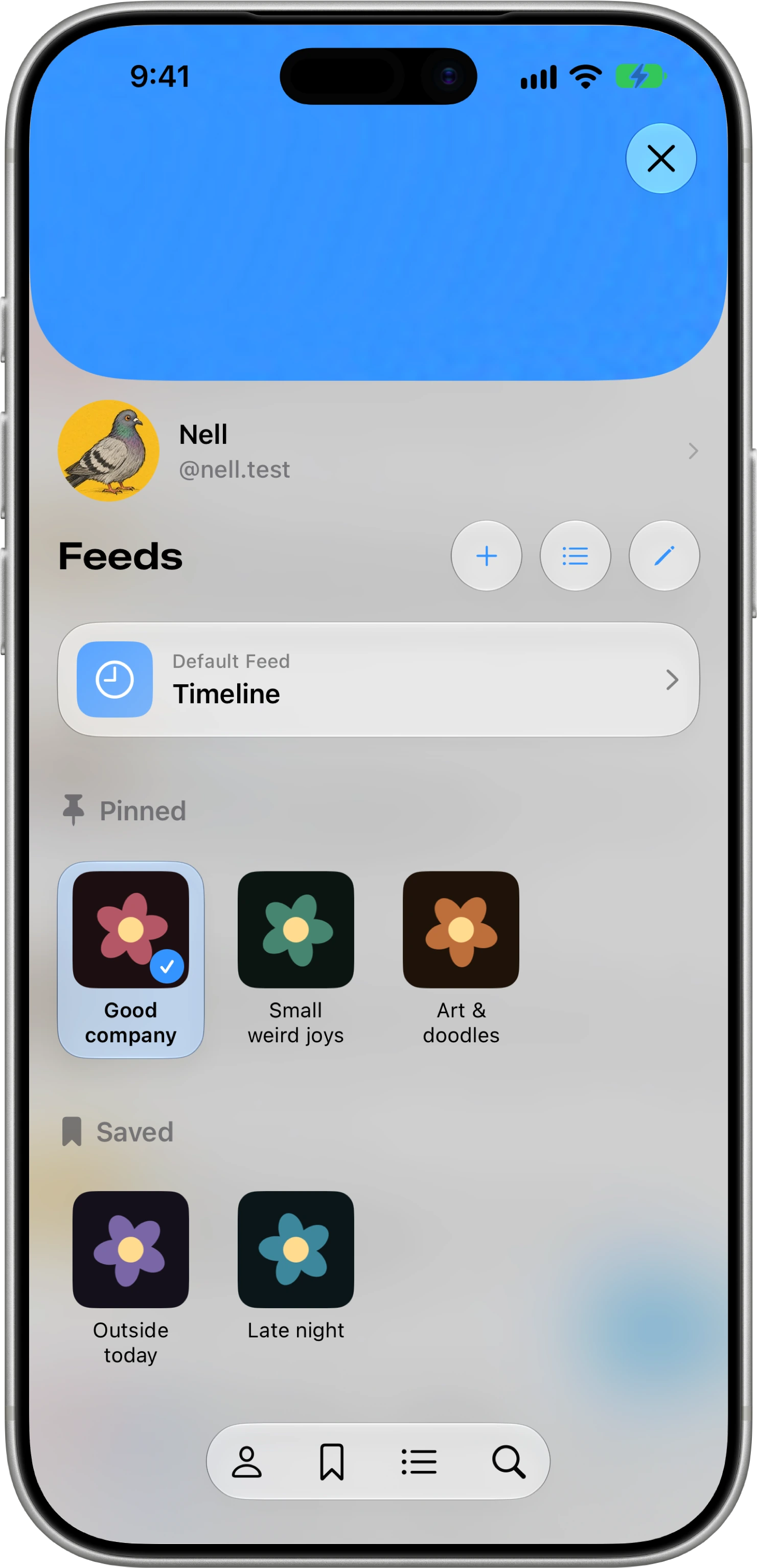
There’s more to Bluesky than one timeline. Find feeds around the things you care about, save your favorites, and keep your pinned and saved feeds together.
Conversations
Catch up with the conversation
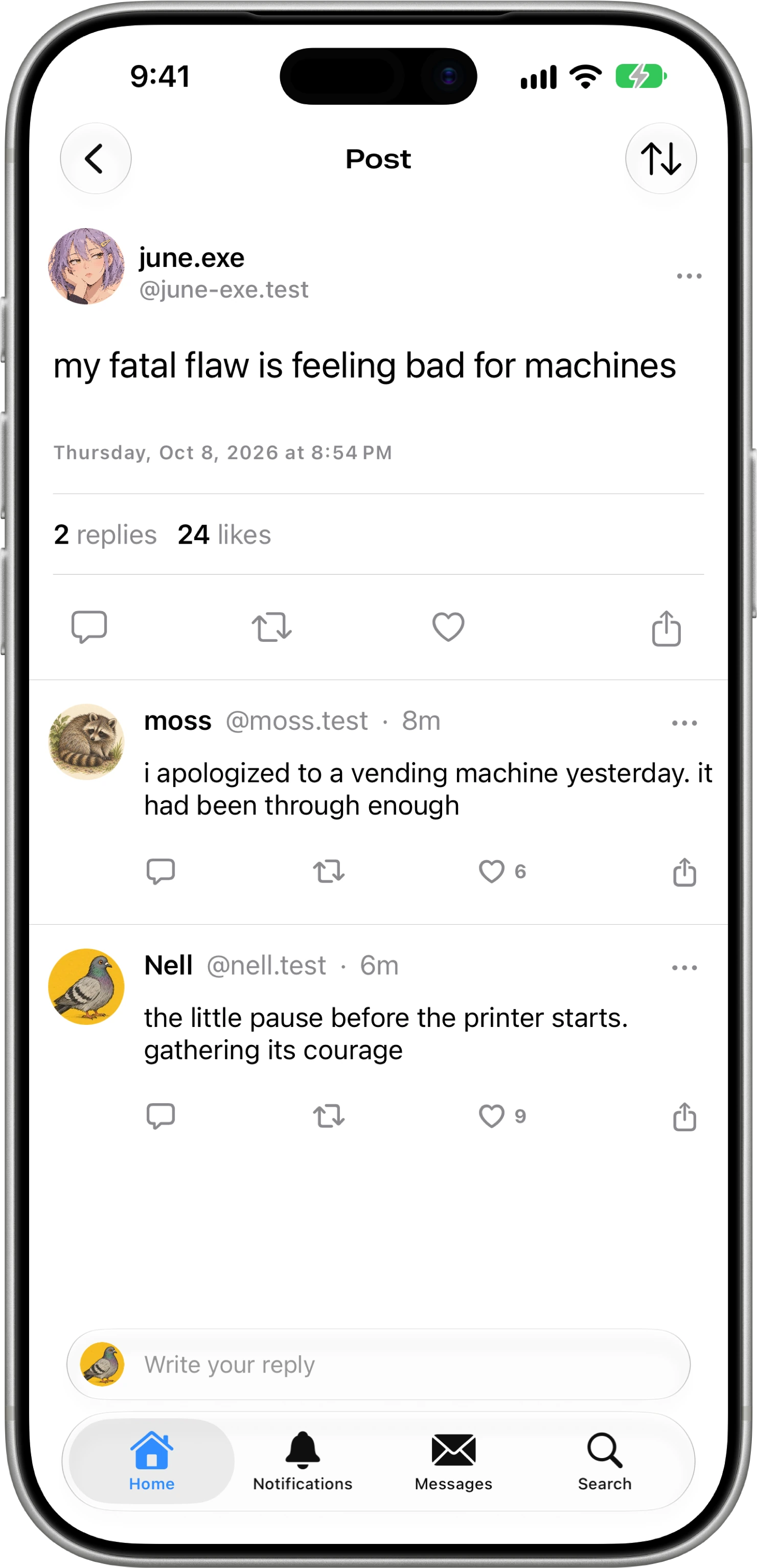
See the posts and replies around a discussion, with threaded and linear views to help you follow along. Join in when you have something to add.
Writing
A post, a reply, or a whole thread
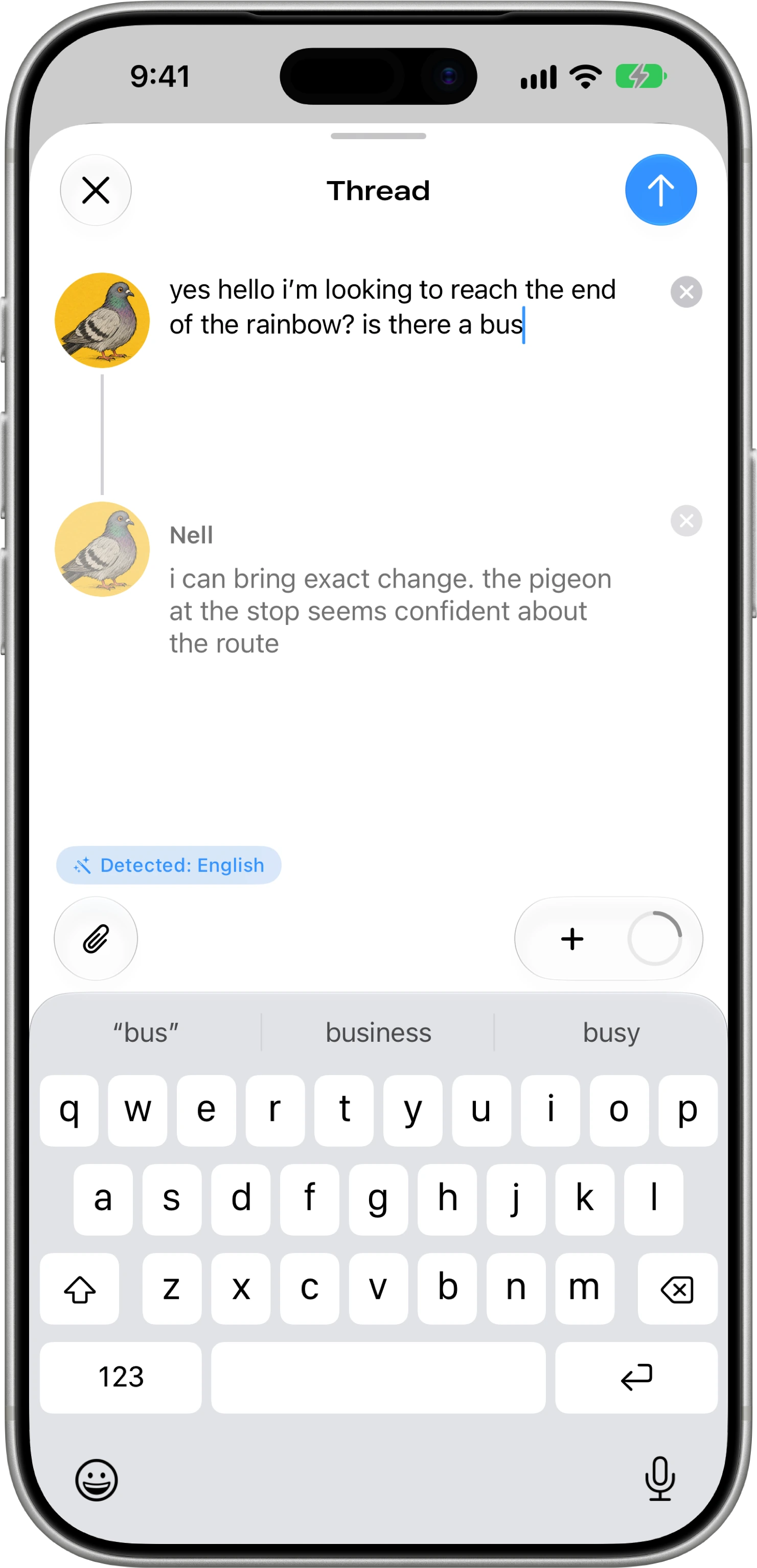
Share a quick thought or keep writing across several posts in the same composer. Add photos, video, and alt text to give people more to read and see.
iPad
At home on iPad, too
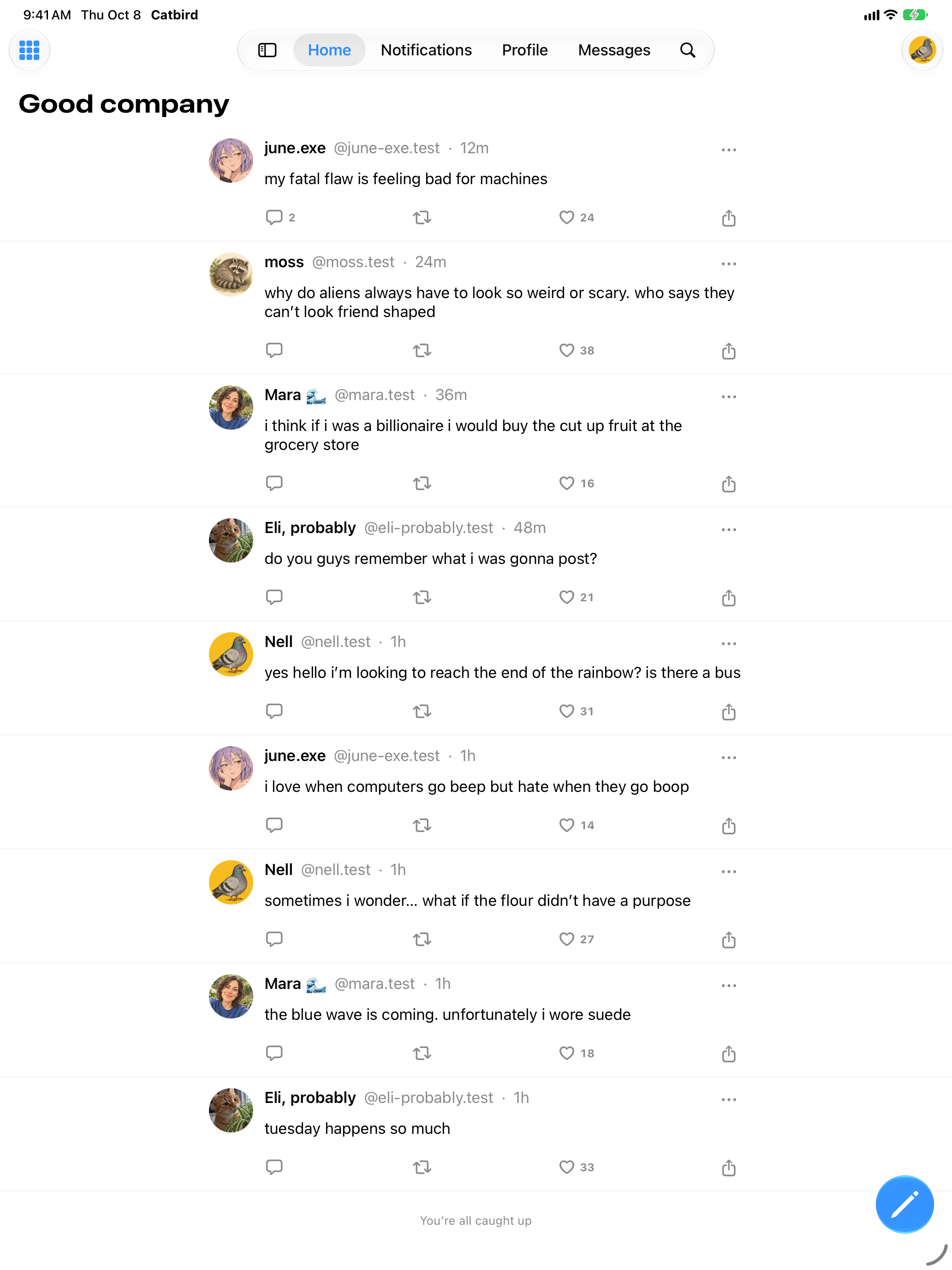
Read your feeds and write your next post with more room on iPad.
iPadOS 18 or later.
And the rest of your Bluesky
Direct messages, notifications, search, lists, and moderation tools help you keep up with the people you care about.
Signing in
- You sign in with your Bluesky account in your browser, so Catbird never sees your password.
- Catbird’s server keeps your sign-in session and passes your requests on to your Bluesky server.
- When enabled, crash and error reports go to Catbird’s self-hosted GlitchTip service.
Follow Catbird
It isn’t on the App Store yet. Follow @catbird.blue on Bluesky to hear when you can try it.